Fire departments
Why Your Department Website Shouldn't Be Your Fire Chief's Second Job
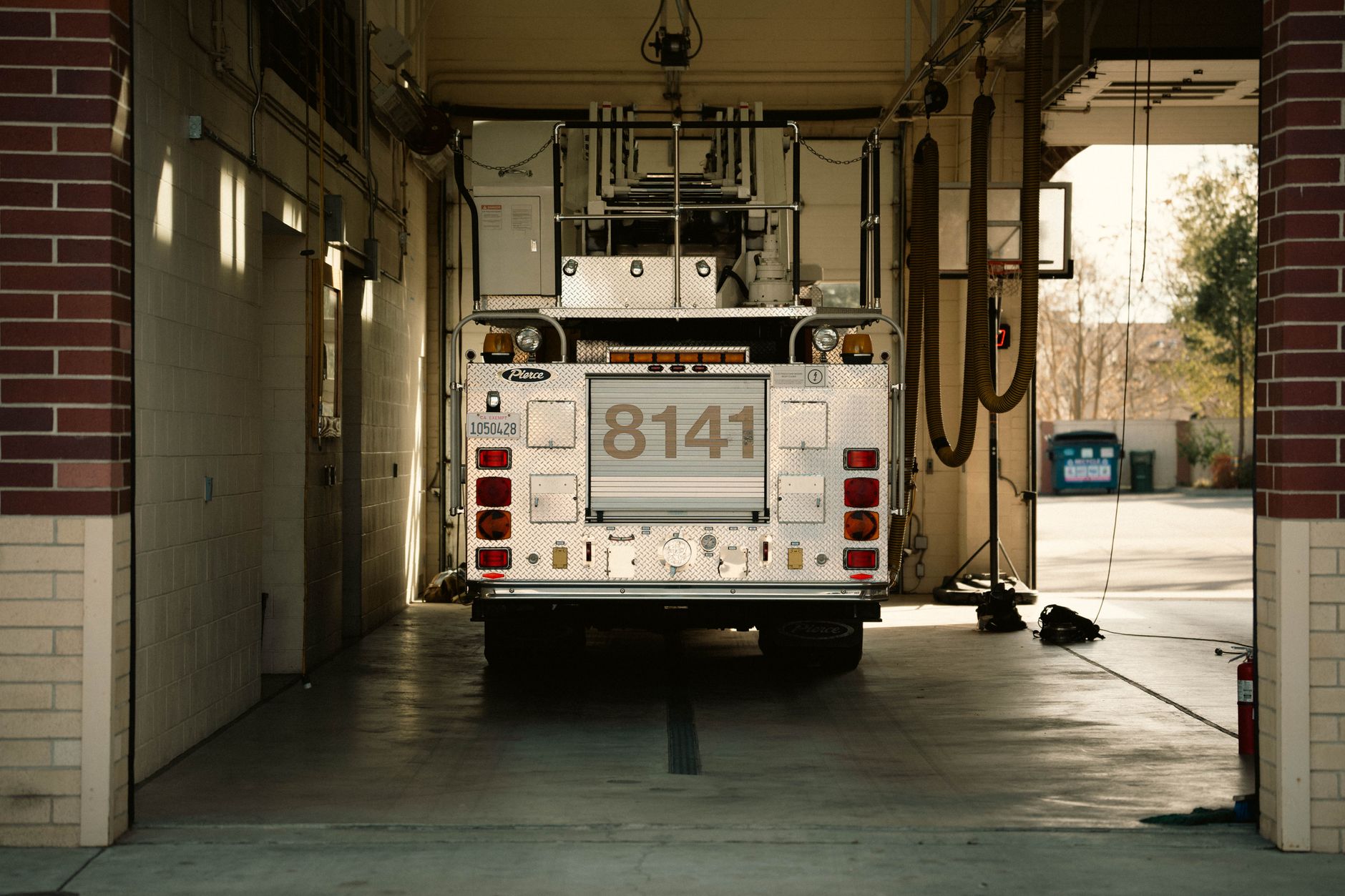
Photo by James Collington on Pexels
Every fire department has the same problem: someone on staff becomes the unofficial website person. Usually it's whoever has a little tech knowledge or seniority, and suddenly they're fielding questions about why the holiday schedule didn't post, why the site looks broken on mobile phones, or whether last month's training announcement should come down. It's not their job. But it becomes their job anyway.
The real cost isn't the two hours a month they spend tinkering. It's the missed updates that matter—the closure notices, the permit changes, the safety alerts that don't make it online because the webmaster is on a call or at a fire. It's the security vulnerabilities that stack up because no one is monitoring for them. And it's the peace of mind you lose knowing something important might not be reaching your community.
What "Kept Up to Date" Actually Means for Your Department
When we say a site is maintained, most people think someone is just refreshing the news feed. That's part of it, but it's not the whole story. Keeping a department website current means:
- Updates happen on time. When your hours change, your training calendar shifts, or you need to announce a closure or alert, it goes live immediately—not when someone remembers to do it.
- Old information gets removed. A listing for an event from last spring confuses visitors and damages credibility. Outdated contact numbers, old permits, or stale announcements need to come down, and they need to come down reliably.
- The site stays secure. Hackers target government sites because they tend to run outdated software and unpatched vulnerabilities. If no one on your team is a security expert, those weak spots pile up fast.
- It works on every device. Your site needs to look right and load fast on a smartphone, a tablet, and a desktop. Technology changes. Standards change. A maintained site adapts without your input.
The Real Outcome: Your Community Gets What They Need
When your site is reliably current and secure, people trust it. They use it. A parent looking for swimming lessons for their kids can actually find your program schedule. Someone with a question about fire safety can reach you through your contact form and know the message won't disappear into a spam folder. A visitor can see your hours and location on their phone without zooming in and scrolling sideways.
And when someone asks their phone for fire prevention tips or needs to find your local fire department's non-emergency number, your site shows up because it's properly set up to be found. You're not waiting on a volunteer or a busy chief to figure out Google or AI search rankings—it just works.
Your team spends their energy on actual fire service: responding, training, teaching, building community trust in person. The website works quietly in the background, doing its job.
What Does "Without Lifting a Finger" Look Like?
It means you tell someone once what your hours are, and they stay correct. You send an update about a facility closure to one place, and it appears on your site, your social media, and your Google listing at the same time. You don't have to remember passwords, install updates, debug broken links, or troubleshoot why your site crashed after you tried to add a photo.
You're not checking security logs or monitoring for hacks. You're not paying for three different tools because none of them do everything. You're not hiring a contractor every time something goes wrong. One flat monthly cost, everything included, and the site stays running and secure while you focus on your mission.
This approach works especially well for departments running lean—volunteers, small career teams, or districts where everyone wears multiple hats. There's no internal IT person to call, and there shouldn't be. Your people should be running your department, not managing a website.
Peace of Mind in Practice
Imagine a scenario: You need to post an urgent safety alert about a neighborhood hazard. You write the message, send it to one person, and it goes live in minutes—on your website, searchable, accessible, secure. No meetings. No back-and-forth about formatting. No waiting for the right person to be available.
Or you realize your site hasn't been updated in four months. Instead of guilt or scrambling, you know someone is actively managing it. New postings are being added, old ones removed, security patches applied, and the whole thing is running fast and correctly. You can trust the website to represent your department well while you do your real work.
For fire departments and fire protection districts specifically, having a website built and maintained for your kind of organization means it's designed around how people actually interact with fire services: looking for emergency info, finding non-emergency contact, checking hours, learning about community programs. It doesn't require you to become a web expert or add another task to an already full schedule.
Peace of mind, for your team and for your community, comes from knowing the job is done right and stays done right—by someone whose job it actually is.
Free download: grab our fire department website checklist — the short, plain-English list of what your site needs to get found and bring in calls. No cost, no obligation.